Optimised Marketing
Free Tools

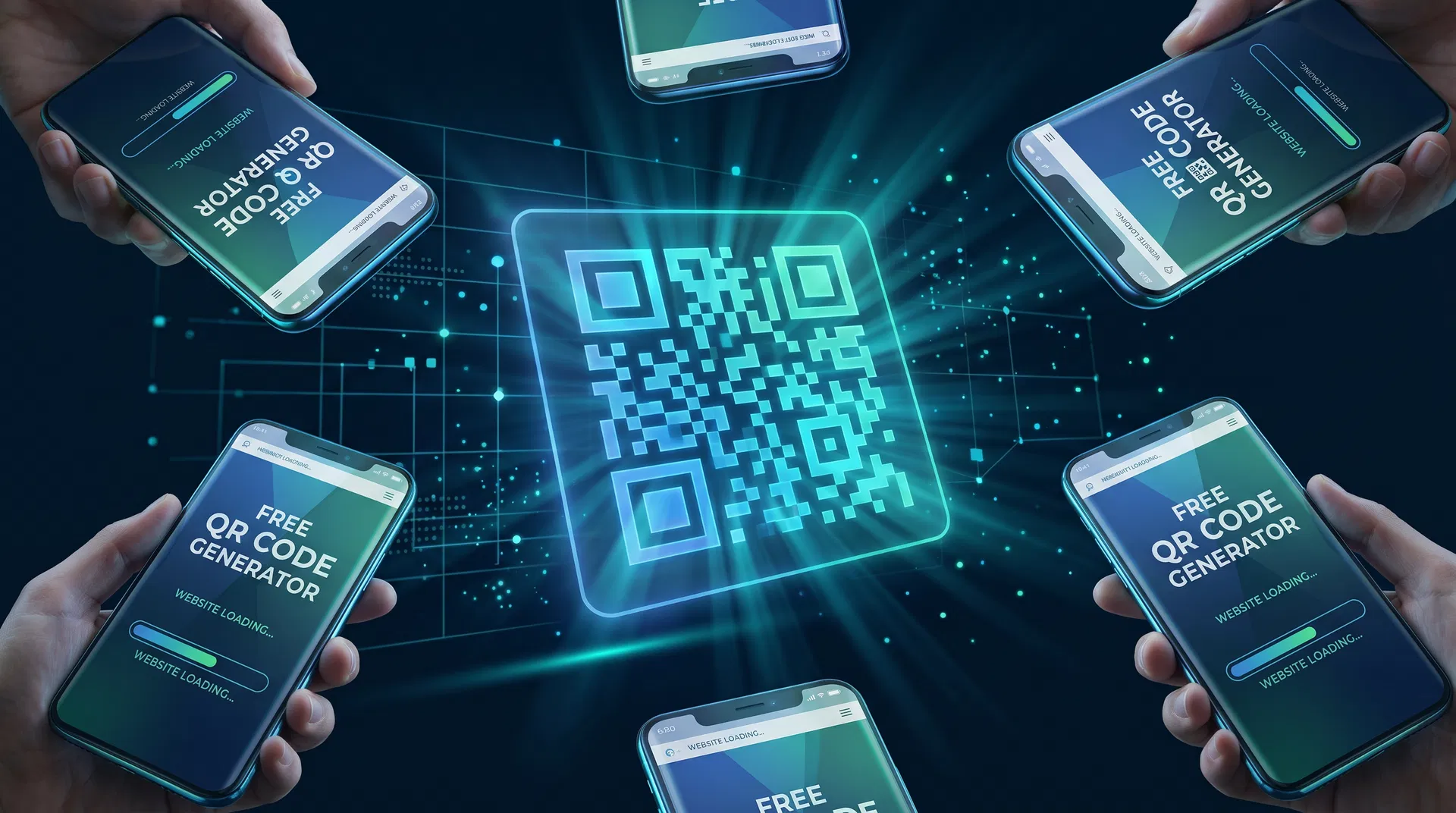
Free QR Code Generator: Create Custom QR Codes in Seconds

Learn how to create professional QR codes for free — for websites, business cards, menus, Wi-Fi, and more. No registration, no watermarks, instant download.
Optimised Marketing Team
Published 5 May 2026
8 min read
8 views
Free QR Code Generator: Create Custom QR Codes in Seconds
<article class="blog-content"> <p class="lead">QR codes have gone from novelty to necessity. In 2024, over <strong>89 million US smartphone users</strong> scanned a QR code — and that number is growing every year. Whether you're a restaurant owner updating your menu, a marketer running a campaign, or a small business printing business cards, having access to a <strong>free QR code generator</strong> is no longer optional. It's essential.</p> <p>The good news? You don't need to pay for expensive software or hand over your email address to a data-hungry platform. Our <a href="/ai-tools/qr-code-generator">free QR code generator</a> lets you create professional, customisable QR codes in seconds — no sign-up, no watermarks, no limits.</p> <h2>What Is a QR Code and Why Does Your Business Need One?</h2> <p>A QR code (Quick Response code) is a two-dimensional barcode that smartphones can read using their cameras. Unlike traditional barcodes that store data horizontally, QR codes store information in both directions — allowing them to hold significantly more data, including URLs, contact information, Wi-Fi credentials, payment details, and plain text.</p> <p>For businesses, QR codes bridge the physical and digital worlds. A printed flyer can link directly to a booking page. A product label can open an instructional video. A business card can instantly add your contact details to someone's phone. The applications are virtually limitless, and the technology is now so ubiquitous that most smartphones scan QR codes natively without any additional app.</p> <h2>What Can You Encode in a QR Code?</h2> <p>Our free QR code generator supports every major QR code type used in business and marketing today:</p> <table> <thead> <tr><th>QR Code Type</th><th>Best Use Case</th><th>Example</th></tr> </thead> <tbody> <tr><td><strong>URL / Website</strong></td><td>Drive traffic to any webpage</td><td>Product pages, landing pages, booking forms</td></tr> <tr><td><strong>Wi-Fi</strong></td><td>Share network credentials instantly</td><td>Cafés, hotels, offices, events</td></tr> <tr><td><strong>vCard / Contact</strong></td><td>Share contact details digitally</td><td>Business cards, name badges</td></tr> <tr><td><strong>Plain Text</strong></td><td>Display a message or instructions</td><td>Product instructions, notices</td></tr> <tr><td><strong>Email</strong></td><td>Pre-fill an email address and subject</td><td>Customer support, feedback forms</td></tr> <tr><td><strong>SMS</strong></td><td>Pre-fill a text message</td><td>Opt-in campaigns, customer service</td></tr> <tr><td><strong>Phone Number</strong></td><td>Trigger a phone call</td><td>Click-to-call on print materials</td></tr> </tbody> </table> <h2>How to Create a Free QR Code in 3 Steps</h2> <p>Creating a QR code with our tool takes under 30 seconds. Here's how:</p> <h3>Step 1: Choose Your QR Code Type</h3> <p>Navigate to our <a href="/ai-tools/qr-code-generator">free QR code generator</a> and select the type of content you want to encode. For most businesses, this will be a URL — paste in your website address, landing page, or booking link.</p> <h3>Step 2: Customise Your Design</h3> <p>This is where our tool stands apart from basic generators. You can customise the foreground and background colours to match your brand, adjust the error correction level (higher levels allow your QR code to remain scannable even if partially obscured), and choose your preferred output format — PNG for print, SVG for scalable digital use.</p> <h3>Step 3: Download and Deploy</h3> <p>Click generate and download your QR code instantly. There's no watermark, no sign-up required, and no usage limits. Your QR code is yours to use however you like — on print materials, digital screens, packaging, or anywhere else.</p> <h2>QR Code Best Practices for Marketers</h2> <p>Generating a QR code is the easy part. Making it work effectively in your marketing requires a bit more thought. Here are the practices our team at Optimised Marketing recommends to clients:</p> <h3>Always Test Before You Print</h3> <p>This sounds obvious, but it's the most common mistake. Before sending anything to print, scan your QR code with multiple devices — an iPhone, an Android, and ideally a tablet. Verify that the destination URL loads correctly and that the page is mobile-optimised. A QR code that leads to a broken page or a desktop-only website will frustrate users and waste your print budget.</p> <h3>Size Matters</h3> <p>The minimum recommended size for a QR code on print materials is 2cm × 2cm. For anything that will be scanned from a distance — a poster, a banner, or a window sticker — scale up proportionally. A good rule of thumb is that the scanning distance should be no more than 10 times the QR code's width.</p> <h3>Use a UTM-Tagged URL</h3> <p>If you're using QR codes for marketing campaigns, always encode a UTM-tagged URL rather than a bare domain. This allows you to track exactly how many people scanned your QR code in Google Analytics, which campaign it was part of, and what they did after scanning. A URL like <code>https://yoursite.com/offer?utm_source=flyer&utm_medium=print&utm_campaign=spring2025</code> gives you full attribution data.</p> <h3>Contrast Is Critical</h3> <p>QR codes rely on contrast between the dark modules and the light background. Never use a light-coloured QR code on a white background, and avoid placing QR codes over busy images or gradients. The safest option is always dark modules on a white or very light background.</p> <h2>QR Codes in Different Industries</h2> <h3>Restaurants and Hospitality</h3> <p>The pandemic accelerated QR code adoption in hospitality, and the habit has stuck. Digital menus, table ordering systems, and review request cards all benefit from QR codes. A QR code linking to your Google Business Profile review page is one of the simplest and most effective ways to build your review count — simply print it on your receipt or place a card on each table.</p> <h3>Retail and E-Commerce</h3> <p>Product packaging QR codes can link to instructional videos, warranty registration pages, or loyalty programme sign-ups. In-store QR codes can bridge the gap between physical browsing and online purchasing, allowing customers to scan a product and immediately see online reviews, related products, or a "buy online" option.</p> <h3>Events and Conferences</h3> <p>QR codes on name badges, event programmes, and exhibition stands allow attendees to instantly access speaker bios, presentation slides, or exhibitor websites. For networking, a QR code linking to your LinkedIn profile or digital business card is far more effective than handing out paper cards that get lost.</p> <h3>Real Estate</h3> <p>Property listings, for-sale boards, and brochures can all feature QR codes linking to virtual tours, floor plans, or online booking systems for viewings. This is particularly effective because prospective buyers are often standing outside a property on their phone when they want more information.</p> <h2>Dynamic vs. Static QR Codes</h2> <p>Our free tool generates <strong>static QR codes</strong>, which means the destination is encoded directly into the QR code itself. This is perfect for most use cases and has the advantage of working indefinitely without any ongoing cost or dependency on a third-party service.</p> <p>Dynamic QR codes, by contrast, redirect through a short URL that can be updated after printing — useful if you need to change the destination without reprinting materials. However, they require a paid subscription to a QR code management platform and stop working if you cancel your subscription.</p> <p>For most small businesses and one-off campaigns, static QR codes are the right choice. If you need dynamic QR codes for a large-scale campaign, our team can advise on the best platform for your needs as part of our <a href="/services/online-advertising">digital marketing services</a>.</p> <h2>Frequently Asked Questions</h2> <h3>Are QR codes really free to generate?</h3> <p>Yes — our <a href="/ai-tools/qr-code-generator">QR code generator</a> is completely free. There are no hidden fees, no sign-up requirements, and no watermarks on your generated codes. You can generate as many QR codes as you need.</p> <h3>Do QR codes expire?</h3> <p>Static QR codes (like those generated by our tool) never expire. They encode the destination directly, so they'll work as long as the destination URL remains active. Dynamic QR codes, which redirect through a third-party service, can expire if the service subscription lapses.</p> <h3>What's the best QR code size for print?</h3> <p>The minimum recommended size is 2cm × 2cm for materials scanned at close range (business cards, menus). For posters and banners, scale up to ensure the code is scannable from the expected viewing distance.</p> <h3>Can I add my logo to a QR code?</h3> <p>Our tool allows colour customisation. For logo overlays, we recommend using a high error correction level (H) to ensure the code remains scannable even with a logo placed in the centre. Our <a href="/services/website-development">web development team</a> can create fully branded QR code solutions for larger campaigns.</p> <h3>What format should I download my QR code in?</h3> <p>For print materials, download as PNG at the highest resolution available. For digital use where you need scalability (websites, presentations), SVG format is preferable as it scales without quality loss.</p> <h2>Start Creating Your Free QR Codes Today</h2> <p>Whether you're creating QR codes for a single business card or planning a multi-channel marketing campaign, our free tool gives you everything you need to get started. No account required, no limits, and no compromises on quality.</p> <p><a href="/ai-tools/qr-code-generator" class="cta-link"><strong>→ Use the Free QR Code Generator</strong></a></p> <p>Looking for a complete digital marketing strategy that integrates QR codes, SEO, and paid advertising? Our team at Optimised Marketing combines AI-powered tools with human strategy to deliver measurable results. <a href="/free-audit">Get your free marketing audit</a> to see exactly where your biggest opportunities lie.</p> <h2>Explore Our Other Free Marketing Tools</h2> <p>Our QR code generator is just one of 12 free tools available in our <a href="/ai-tools">AI Tools suite</a>. Other popular tools include our <a href="/ai-tools/image-upscaler">free AI image upscaler</a>, <a href="/ai-tools/seo/keyword-checker">free keyword research tool</a>, and <a href="/ai-tools/seo/backlink-checker">free backlink checker</a>.</p> </article>

Free Tools to Try

Put these strategies into action — no sign-up required

All tools

Want to learn more? Read the Free QR Code Generator guide.

Related Articles

View all

Lee Evans

Optimised Marketing Team

AI Marketing Expert

Lee Evans is the founder of Optimised Marketing, a UK-based AI-first digital marketing agency. With over a decade of experience in SEO, PPC, and marketing automation, Lee specialises in combining AI tools with human strategy to deliver measurable results for businesses of all sizes. He has helped 100+ companies improve their online visibility and generate qualified leads through data-driven marketing.

Free AI Consultation

Ready to Transform Your Marketing with AI?

Book a free, no-obligation consultation with our AI marketing experts. We'll analyse your current marketing, identify opportunities, and show you exactly how AI can accelerate your growth.

No sales pressure. No commitment. Just actionable insights you can use immediately.